01
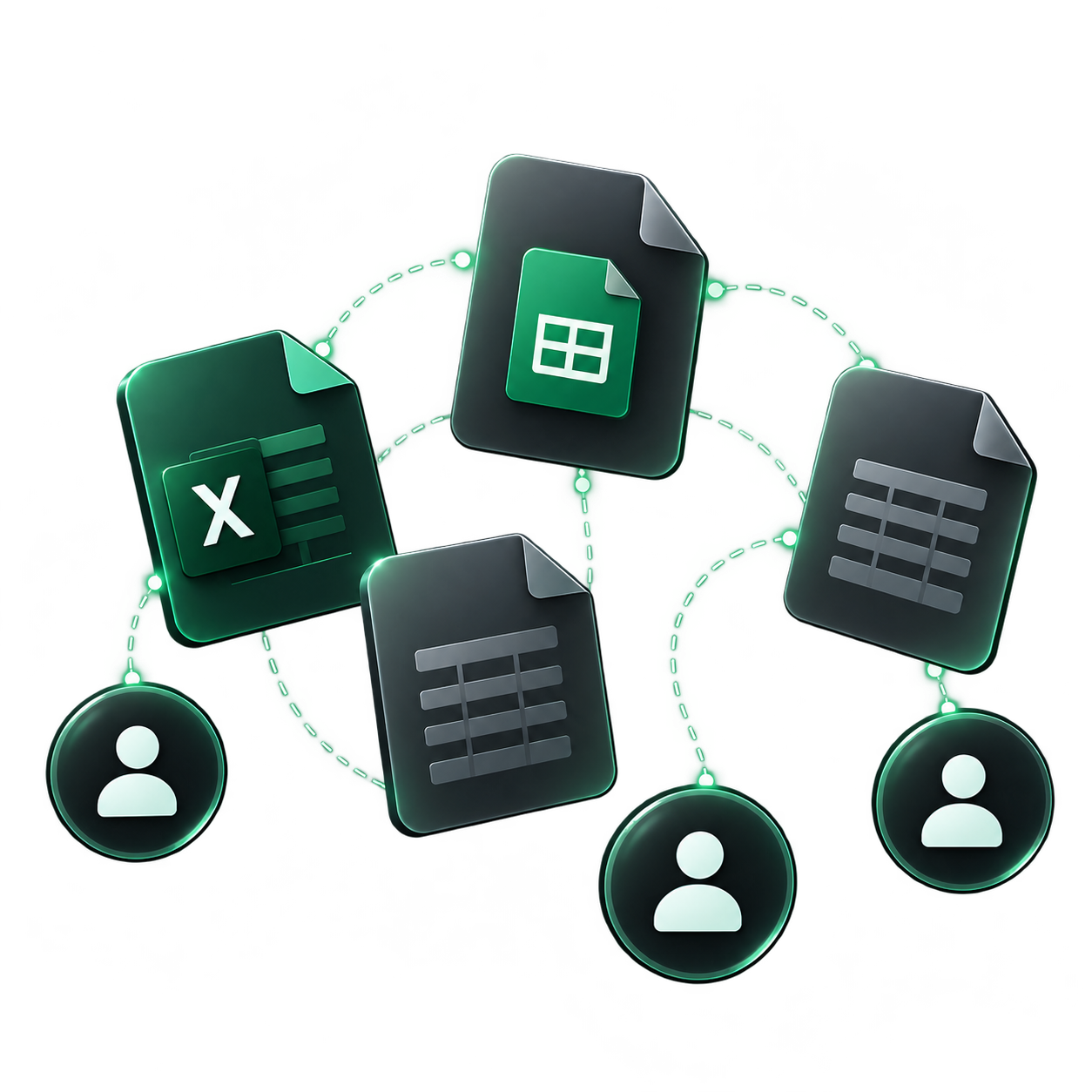
Scattered spreadsheets
The same product data ends up spread across files and teams.
Centralize data, structure your catalog, and prepare consistent information for every channel where you sell.












01
The same product data ends up spread across files and teams.
02
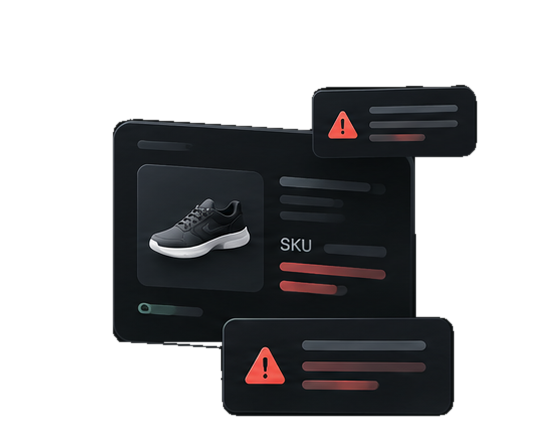
Descriptions, attributes, and codes differ from one place to another.
03
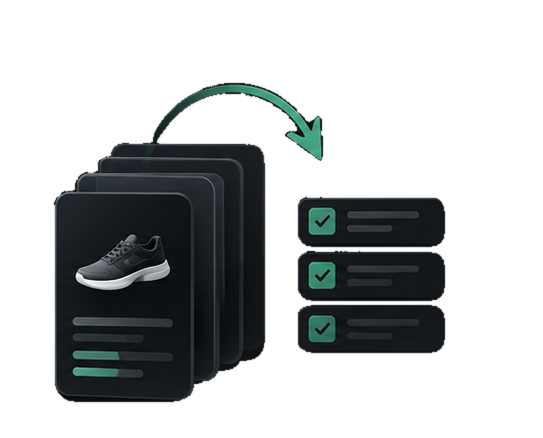
Updating the catalog takes too many manual steps.
04
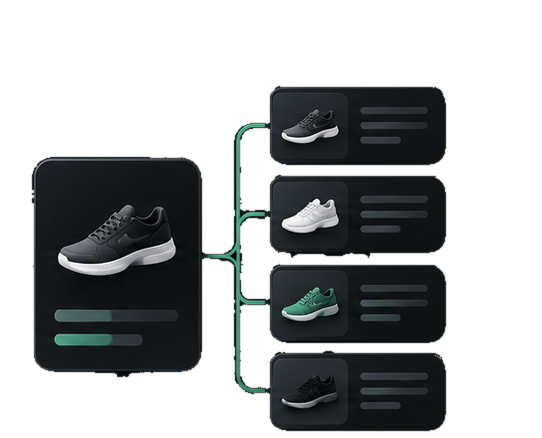
Sizes, colors, and specifications need a clear structure.
77%
Consumers say product information matters when making a purchase.
68%
Mass merchant sites studied fail to display attributes consistently in product listings.
42%
Sites studied do not properly consolidate product variations in listings.
52%
Desktop ecommerce sites studied have mediocre or worse product page UX.

Data sources
Sales channels
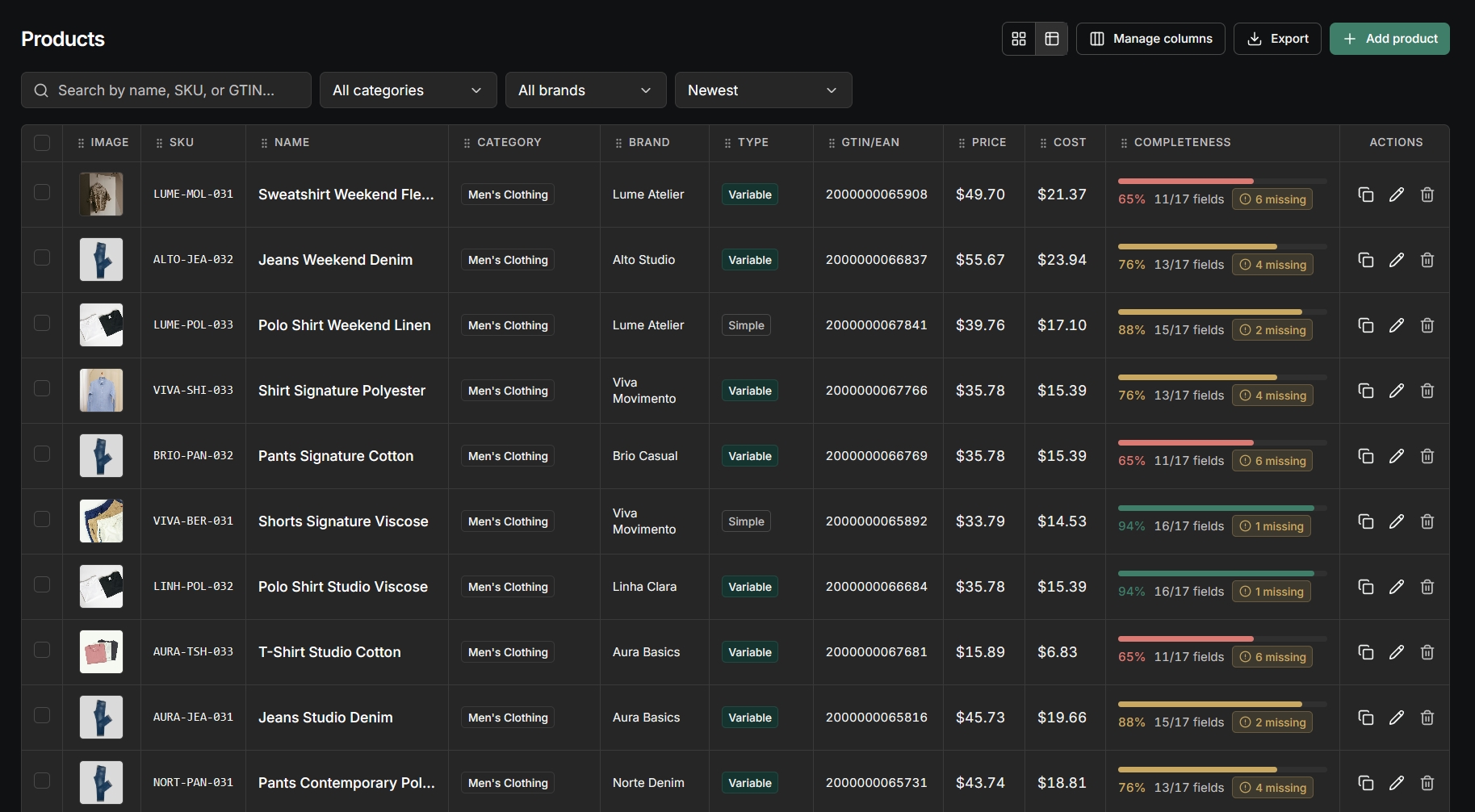
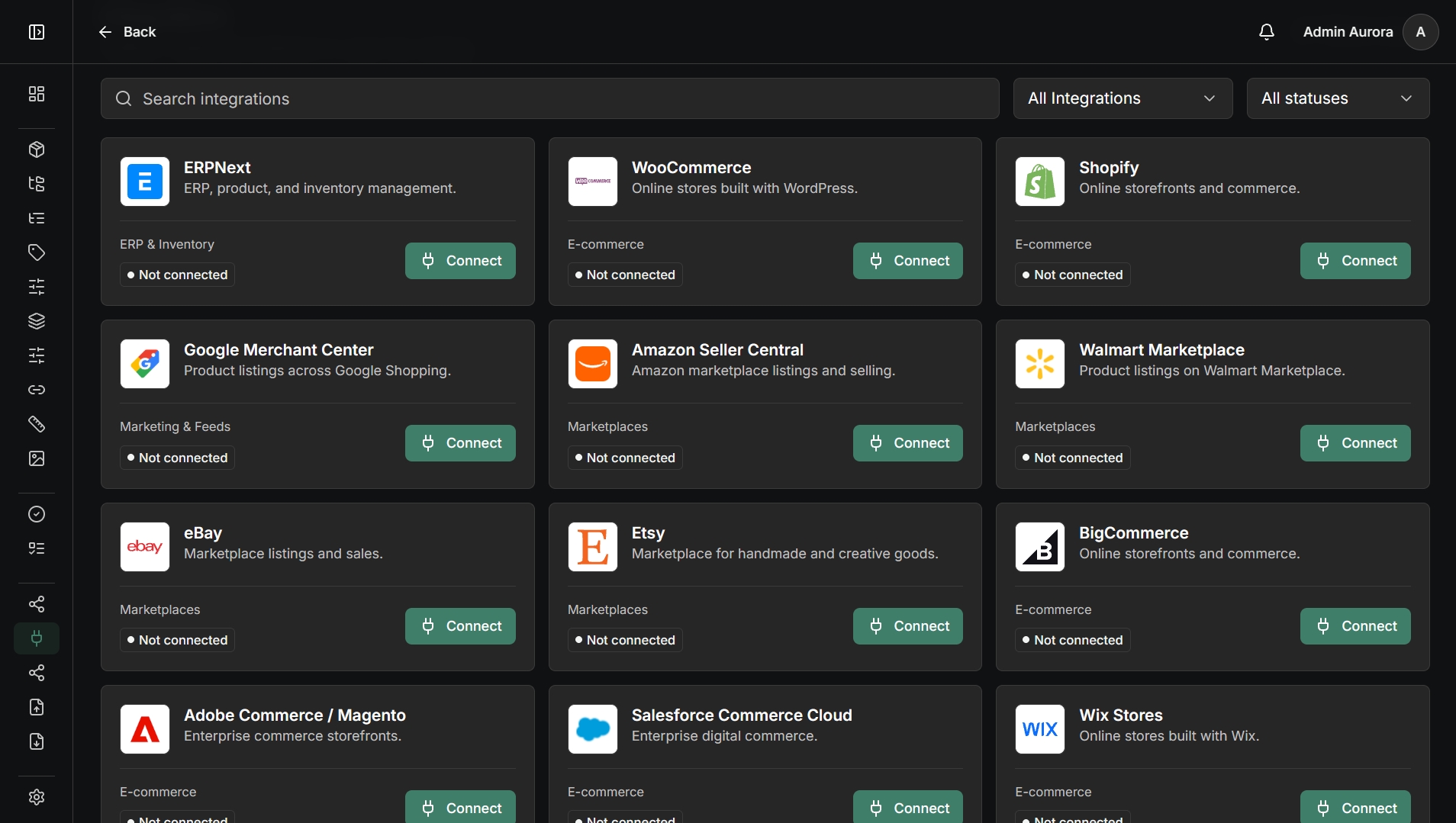
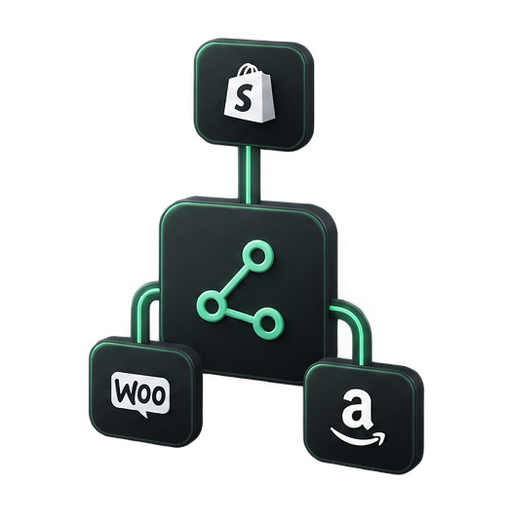
Find ERPs, online stores, marketplaces, and other channels. Search, filter, and track connection status in one view. Connection availability varies by platform.
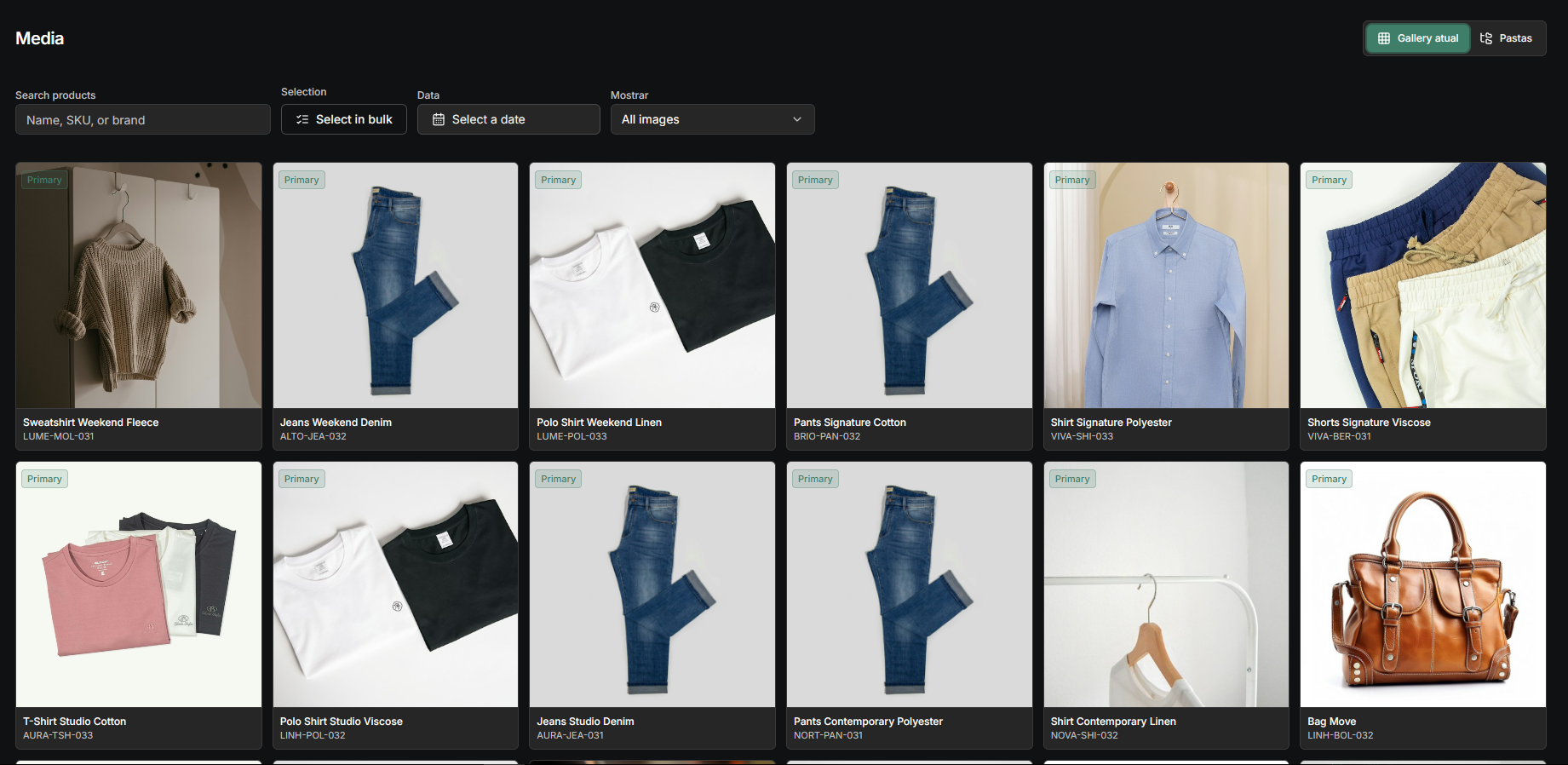
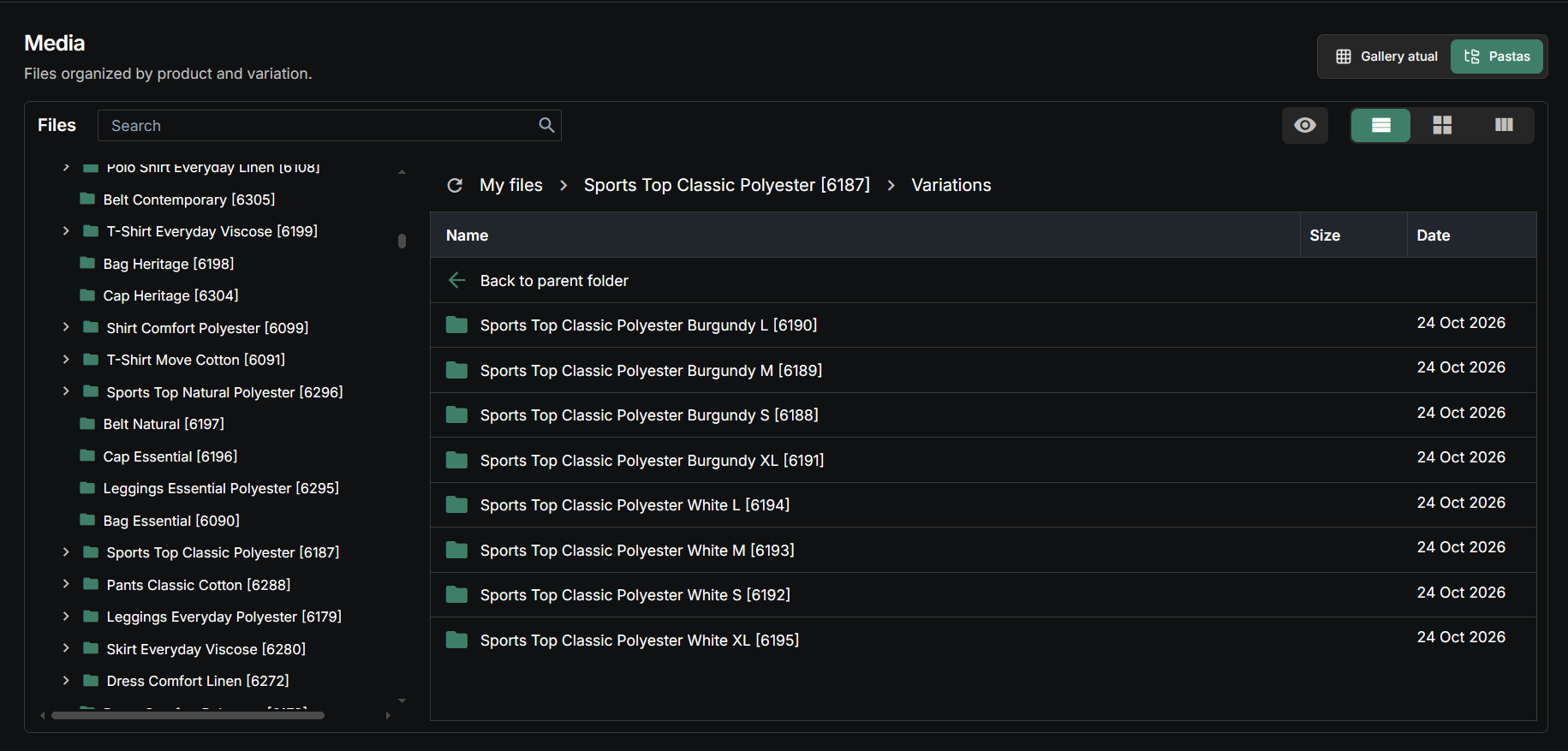
Images, PDFs, videos, and other materials stay organized alongside products and their variants. Find every file in the right context without searching scattered folders.
Zenobi helps structure your catalog in one central place. Files and specific connectors move that data according to your product configuration.
01
Import CSV, Excel, and JSON. Export CSV and Excel.
02
A dedicated catalog complements the systems that run your operations.
03
Prepare more consistent information for your sales operations.
04
Illustrative examples. Catalog uses depend on the integrations available in each environment.
ERP systems
Zenobi
A clear structure helps your team manage the catalog as your products and business needs grow.
Bring product data together in an organized space.
Use attributes, groups, and families for each product type.
Connect products and their variants more clearly.
Import existing data and reduce manual entry.
Keep information more complete and standardized.
Export structured data to support other operational workflows.
Early Access
Book a conversation to explore Zenobi and get early access.
Book an Early Access Demo